Table of Contents
Your iPhone knows more about you than most of your friends do. Passwords, banking apps, photos you forgot existed, that text thread you definitely don’t want a stranger reading. And if you’re selling, trading in, or giving away the phone, all of that goes with it unless you strip it out first.
A factory reset handles the bulk of it. But there are a few things to deal with before you hit the big red erase button, and a couple more after. Skip any of these and you’ll either lock the buyer out of the phone entirely (Activation Lock is unforgiving) or leave breadcrumbs of your digital life behind. Neither outcome is great. Here’s the full cleanup, in order.
1. Back Up Your Data
Do this first. Everything else on this list is destructive.
Go to Settings, tap your name at the top, then iCloud, then iCloud Backup. Hit "Back Up Now" and wait for it to finish. If you’d rather back up to a computer, connect with a cable and use Finder (Mac) or the Apple Devices app (Windows). Either way, don’t proceed until the backup completes. You’ll want your contacts, photos, and app data when you set up the new phone.
2. Unpair Your Apple Watch
If you have an Apple Watch paired to the phone, unpair it before you do anything else. Open the Watch app, tap All Watches, hit the info icon next to your watch, and tap Unpair Apple Watch. This automatically backs up the watch and wipes it clean. Skip this step and the watch becomes a very expensive bracelet that won’t pair to your next iPhone properly.
3. Sign Out of Your Apple ID
This is the big one. Go to Settings, tap your name, scroll all the way down, and tap Sign Out. Enter your Apple ID password when prompted. The phone will ask if you want to keep copies of certain data on the device. Doesn’t matter what you pick here since you’re about to erase everything anyway.
Signing out disables Find My iPhone and removes Activation Lock. If you forget this step, the person you sell the phone to won’t be able to set it up. They’ll be staring at a screen asking for your Apple ID password, and they’ll be calling you about it.
4. Turn Off iMessage
Settings, Messages, toggle iMessage off. That’s it. Takes two seconds.
But if you skip it and switch to an Android phone, your texts from other iPhone users will keep routing to iMessage instead of SMS. They’ll think they’re texting you. You’ll never receive any of it. This one catches people off guard months after the sale.
5. Erase All Content and Settings
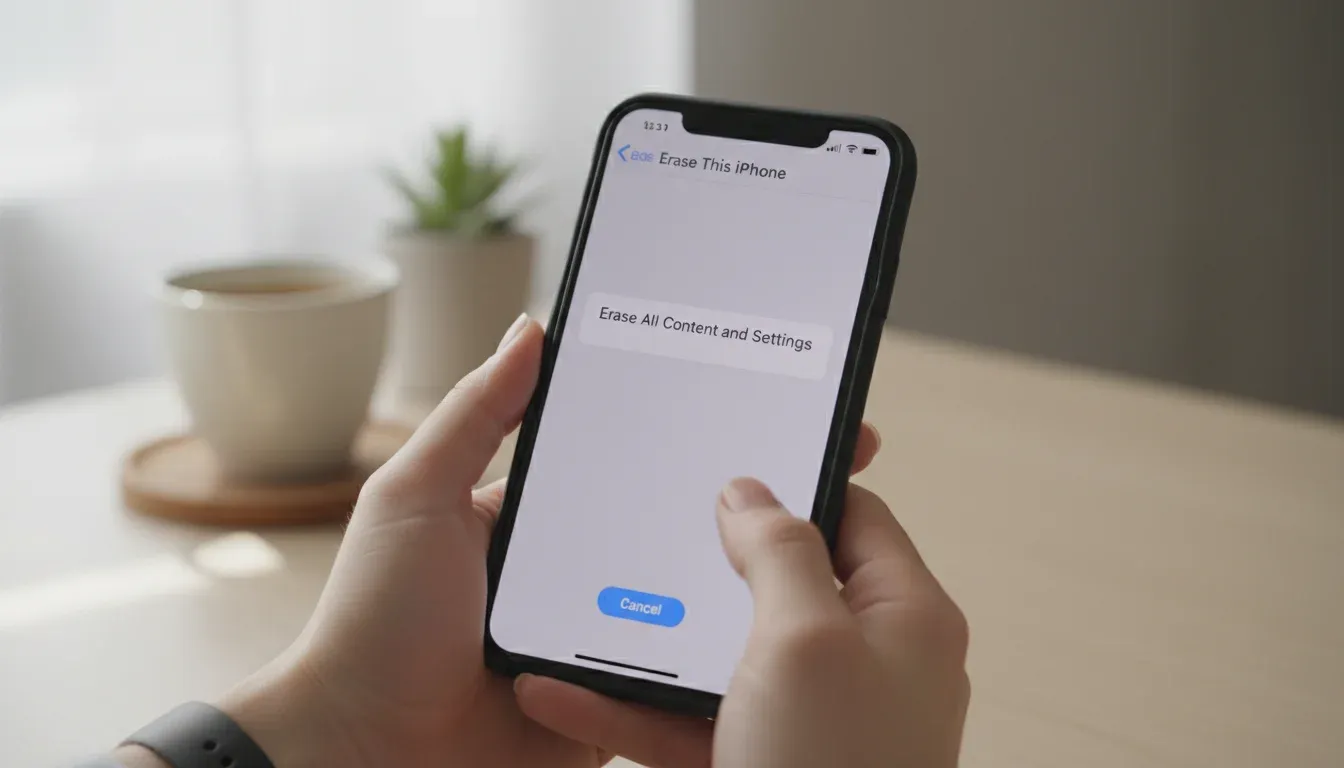
The main event. Go to Settings, then General, then Transfer or Reset iPhone, and tap Erase All Content and Settings. You’ll enter your passcode, then your Apple ID password (if you didn’t already sign out), then confirm.
The phone will take anywhere from a few minutes to a couple of hours depending on how much data is on there. When it’s done, it reboots to the setup screen. Factory fresh. Every message, photo, app, account, and saved password is gone.
6. Remove Your SIM Card
If your iPhone has a physical SIM tray (iPhone 13 and earlier in most regions), pop it out with the included SIM tool or a paperclip. The tray is on the right side of the phone. If you’re on an eSIM (iPhone 14 US models and later are eSIM-only), the factory reset already wiped it. But double-check by looking at Settings on the freshly reset phone to make sure no cellular plan is still attached.
Your SIM card has your phone number on it. Leaving it in the phone is like handing someone your mailbox key.
7. Remove the Device from Your Trusted Devices
Log into appleid.apple.com from a computer or your new phone. Find the old iPhone in your device list and click Remove from Account. This stops the old phone from receiving two-factor authentication codes for your Apple ID. It’s a loose end that most guides don’t mention, and it’s worth the 30 seconds.
Done. The phone is clean, your accounts are disconnected, and the next owner gets a blank slate with zero access to your life.