Computer & Electronics
Malware, pop-ups, toolbars you never asked for, and photos that need fixing. If your device is doing something annoying, there’s probably a fix here.
-
How to Get Rid of Unwanted Emails: 7 ways to purge your email inbox
Read More: How to Get Rid of Unwanted Emails: 7 ways to purge your email inboxGet rid of unwanted emails with smart unsubscribing, burner addresses, spam reporting, and aggressive use of filters. Actual methods that clean up your inbox for good.

-

How to Get Rid Of Pop-ups: 2 ways to block intrusive pop-ups
Pop-up ads, the obnoxious ex we all want to get rid of. Here’s how you can finally say goodbye for good.
-
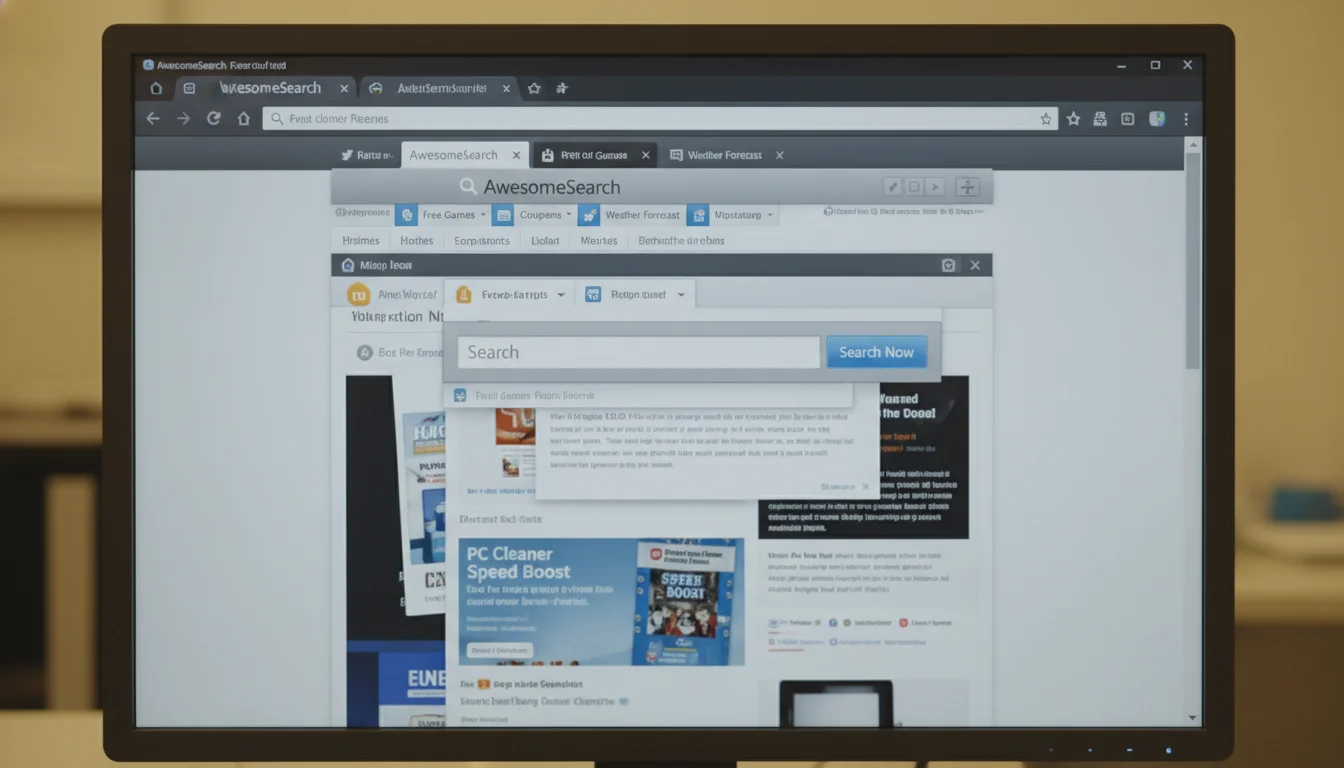
How to Get Rid Of Avg Secure Search: 4 steps to restore your browser settings
Breaking Up with AVG Secure Search: How to Get Rid of the Extra Software You Don’t Need
-
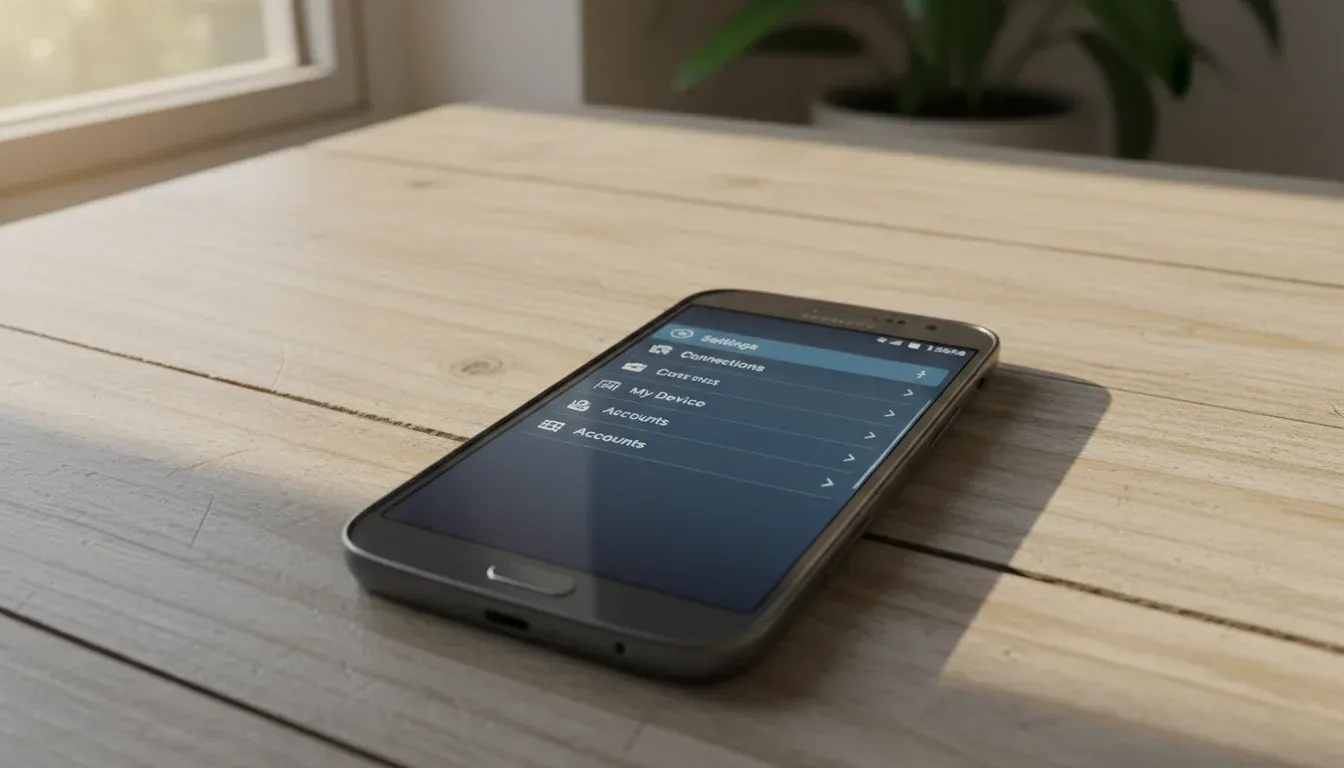
How to Get Rid Of Data on a Samsung Galaxy Note Ii: 2 ways to wipe your Galaxy Note II
Factory reset your Samsung Galaxy Note II and wipe all data permanently. Back up first unless you’re trying to forget your ex’s number.
-
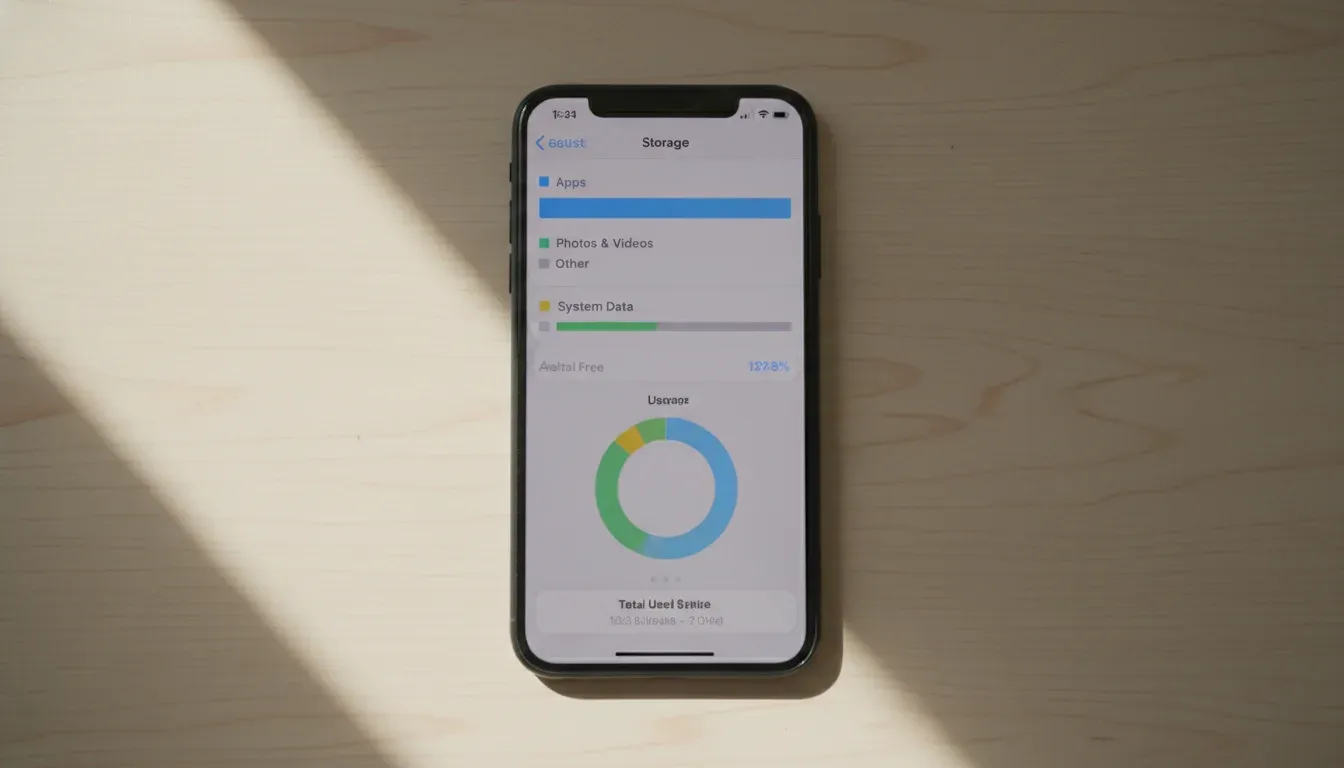
How to Get Rid Of Data on an Iphone: 2 ways to securely erase your iPhone
Wipe your iPhone completely clean before selling it or starting fresh. Backup first or lose everything forever.
-
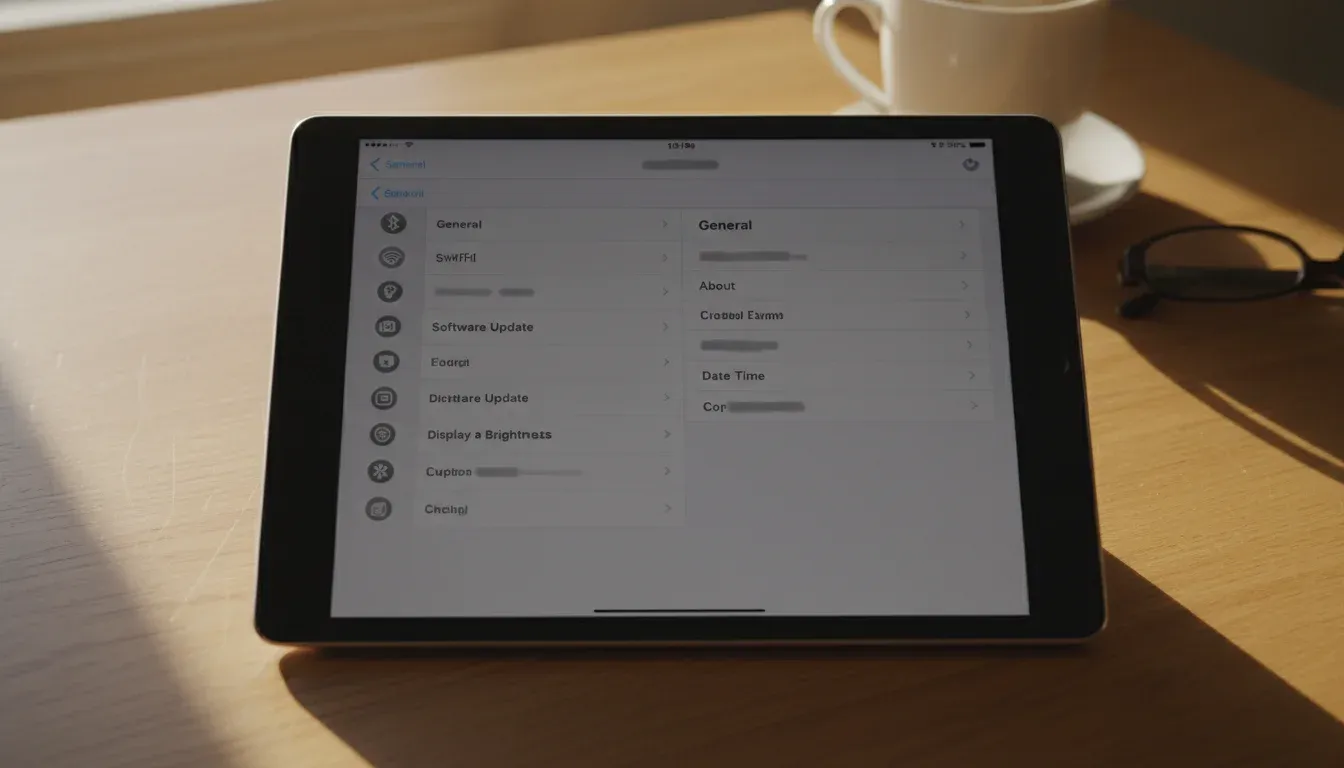
How to Get Rid Of Personal Data on an Ipad: 8 steps to securely erase your iPad
Don’t let your personal data remain on your iPad – wipe it out with these easy steps.
-

How to Get Rid Of a Computer Virus: 4 steps to clean an infected computer
Got a computer virus? Run your antivirus now, use a rescue disk, or scan from another machine. Four proven methods to clean your infected system.
-
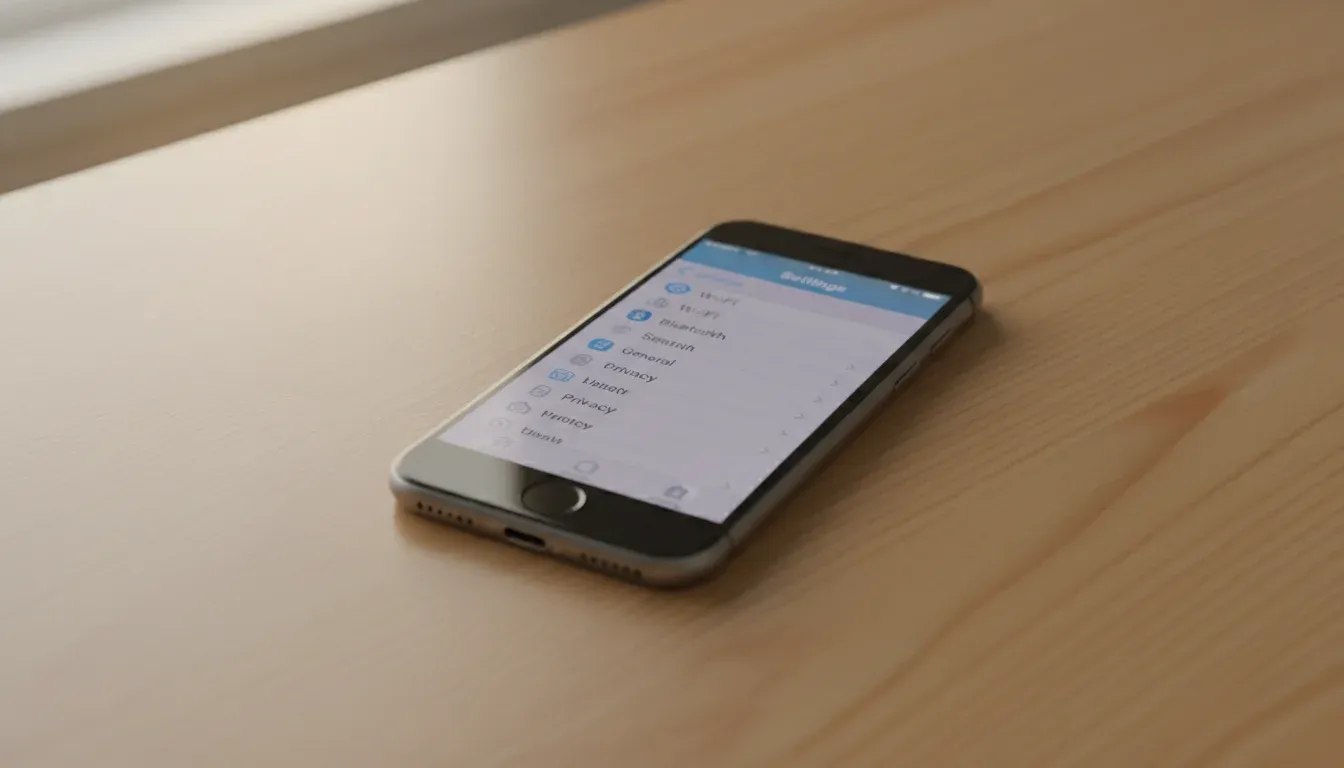
How to Get Rid Of Personal Data off Your Iphone: 7 ways to wipe your iPhone clean
Keep Your Secrets Safe: A Step-by-Step Guide on How to Totally Wipe Your iPhone Clean